
Copy to Clipboard Button
Copy to Clipboard Button
Created by Eric Smith
This Post was most recently updated on: 3/27/23
Current Version: 1.1.1

This Flow Screen Component lets you add a button to your flow screens to copy any provided content into the system clipboard. It provides an easy way to allow a user to copy and then paste the provided data elsewhere on their computer.
Usage
To use this component, add it to a Flow Screen and provide the content you want to make available to be copied to the clipboard.
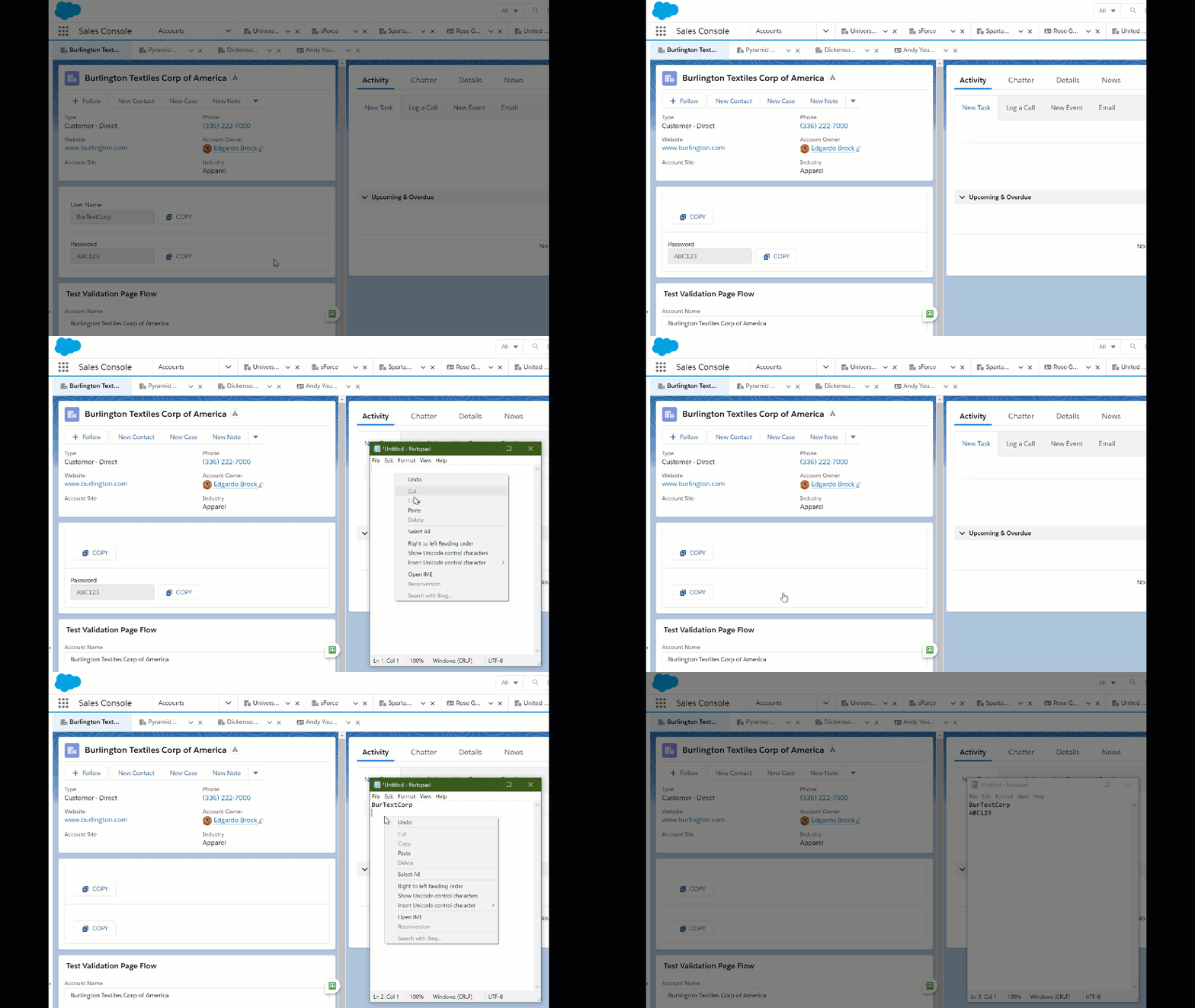
In this example I’ve created a Flow that shows the contents of 4 different fields from a Contact record. Once activated, I can place it on the Contact record page.


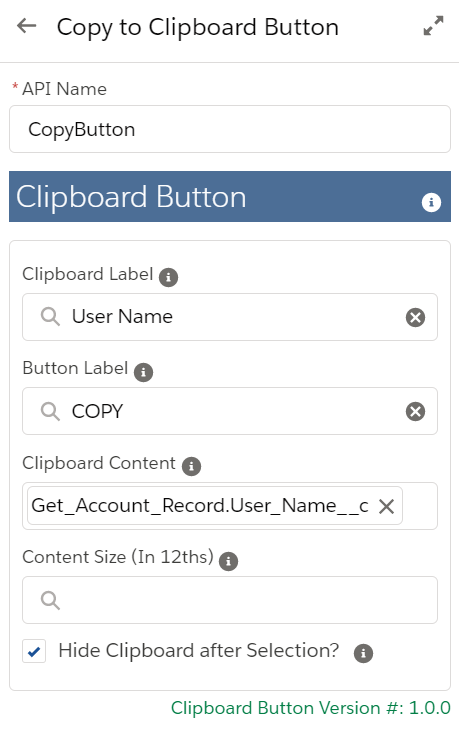
In this example, I’m adding some text to the button and I’m clearing the clipboard display once it has been selected.
Attributes
| Attribute | Type | Notes |
| INPUT | ||
| Clipboard Label | Text | Label to appear above the Clipboard contents box (Optional) |
| Button Label | Text | Label to use on the button (Optional) |
| Clipboard Content | Text | Set this to the value to pass into the Clipboard |
| Content Size (In 12ths) | Integer | Set the size of the contents box in 12ths of the total container width (Optional) |
| Hide Clipboard after Selection? | Boolean | Set to True to remove the clipboard contents display from the screen once the button is clicked |
Installation
Step 1
This component requires that you first install the Flow Base Packs
- FlowActionsBasePack Version 3.14.0 or later
- FlowScreenComponentsBasePack Version 3.0.19 or later
Step 2
Production or Developer Version 1.1.1
Sandbox Version 1.1.1
Release Notes
3/27/23 – Eric Smith – v1.1.1
Updated to use the latest versions of the Base Packs
Note:
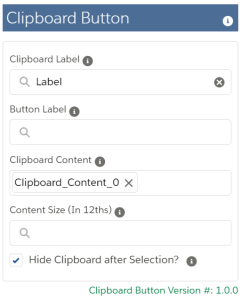
You can check the current version of your component by looking at the bottom of the Custom Property Editor.
Previous Versions
3/26/21 – Eric Smith – v1.0
Initial Release
Production or Developer Version 1.0
Sandbox Version 1.0